The Dark Side of AI: How Cybercriminals Are Using It to Attack
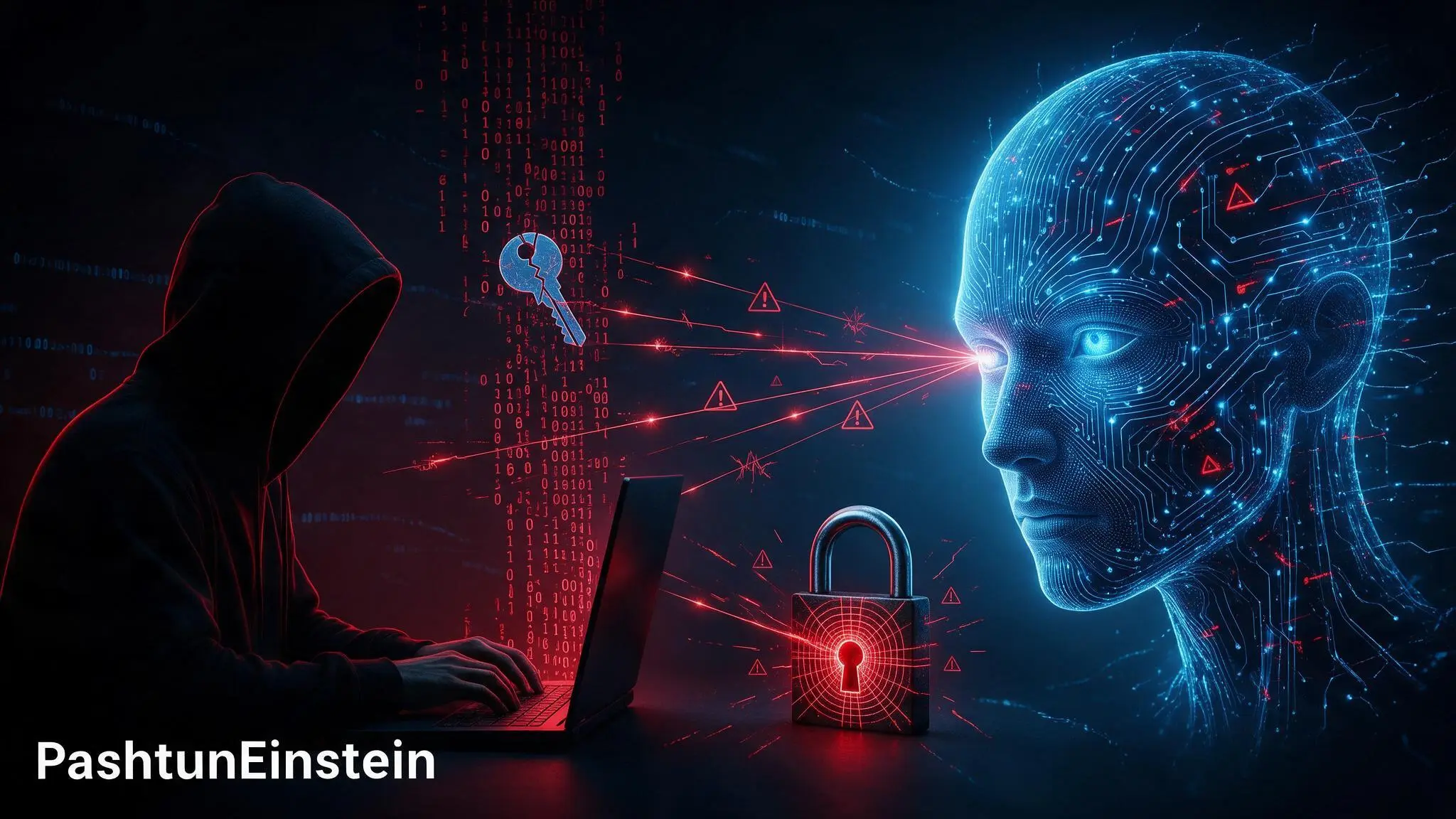
Artificial intelligence is changing cybersecurity faster than many people realise. I use AI as a useful tool for learning, writing, and getting repetitive work done. Security teams also use it to spot suspicious activity and understand software more quickly.
But the same kind of technology can help criminals. It can make scams sound more believable, speed up research on possible targets, and automate work that once took much more time and skill.
AI does not magically break into every system. That is not how real attacks work. Still, it can help attackers move faster when a website is outdated, a password has been reused, or someone is pressured into trusting a convincing message.
Why AI changes the cybersecurity picture
In the past, a criminal often needed to spend a lot of time gathering information, writing messages, testing software, and repeating the same tasks against many targets. Today, AI can help with parts of that process.
It can quickly summarise public information, sort through large amounts of text, help write code, and generate many variations of a message. Used responsibly, those abilities are useful. Used with bad intentions, they make cybercrime cheaper to scale.
The biggest change is not that AI replaces skilled attackers. It is that it gives less-skilled criminals a way to produce more convincing material and waste less time on repetitive work.
The internet has too much code for people to review alone
Almost everything we use online depends on software. Websites, mobile apps, cloud services, online stores, banking systems, smart devices, and government portals all run on code.
That code is written by people, changed over time, connected to outside services, and sometimes left unpatched. Even careful developers can make mistakes. A small error in one part of an application can become a serious problem if it is exposed to the internet.
AI is good at finding patterns in large amounts of text and code. That can help defenders review software and catch common mistakes earlier. It can also help an attacker organise research, identify likely weak spots, or produce test cases faster.
This is why software updates matter. An old plugin, a forgotten web application, or an unsupported router can become the easy door an attacker is looking for.
AI can make phishing far more convincing
Phishing is still one of the most common ways people lose access to accounts or money. A fake email used to be easier to spot because it often had poor spelling, awkward wording, or obvious mistakes.
That clue is no longer reliable. AI can help a scammer write clear messages in many languages, copy the tone of a company, and create several versions of the same scam. A message can be made to sound urgent, friendly, or personal in seconds.
Criminals may also use information that is already public, such as a job title, a recent event, or a business name, to make a message feel more real. The goal is usually simple: get someone to click a link, open a file, reveal a password, or share a one-time verification code.
If you want a simple look at the human side of attacks, read How Hackers Really Think: A Simple Guide for Everyday Users. The main lesson is that attackers often look for rushed decisions before they look for complex technical tricks.
Fake voices and fake websites raise the pressure
AI can also be used to create fake images, voices, and websites. A scam call may sound like a family member, a manager, or someone from a bank. A fake login page may look close enough to a real one that a quick glance is not enough.
That does not mean every unusual call or video is fake. It means we should slow down when a message creates urgency. If someone says, "send money now," "share the code," or "do not tell anyone," treat that as a warning sign.
Call the person back using a number you already trust. Open the official app yourself instead of following a link. Ask a simple question that a stranger would not know. Taking one extra minute can stop a costly mistake.
AI can help attackers automate routine work
Cybercriminals do not need AI to carry out an entire attack from start to finish. Even small pieces of automation can help them work at a larger scale.
For example, AI may help an attacker:
- Draft phishing emails and scam messages
- Create believable fake support chats or login pages
- Sort information found on public websites and social media
- Review code for common mistakes that deserve closer testing
- Automate repetitive tasks after a weakness has been found
- Adapt a scam into different languages or tones
None of this removes the need for security knowledge. It does mean a criminal can spend more time on the parts that matter and less time writing the same message over and over.
What this means for ordinary people
You do not need to run a large company to be targeted. Many attacks begin with ordinary accounts because they are easier to reach. A reused password, an outdated phone app, or one rushed click can be enough.
Email accounts deserve special attention. If an attacker controls your email, they may be able to reset passwords for shopping, social media, cloud storage, and other services.
Password reuse is especially risky. When one website suffers a breach, criminals often try the same leaked email and password combination on other popular services. A unique password prevents one breach from becoming several account takeovers.
For practical guidance, How Strong Is Your Password, Really? explains the basics of strong passwords and safer account habits in plain language.
Simple ways to protect yourself
The good news is that the most useful defences are not complicated.
1. Turn on multi-factor authentication
Enable multi-factor authentication, often called MFA or two-step verification, on important accounts. An authenticator app or security key is usually safer than receiving codes by text message.
MFA is not perfect, but it creates an extra barrier. A stolen password alone is much less useful when an attacker also needs a second factor.
2. Use a unique password for every account
Use a password manager to create and store long, unique passwords. Your email password should never be reused anywhere else.
A password manager reduces the temptation to recycle old passwords and can help you spot fake login pages because it will not fill your password on the wrong website.
3. Keep software updated
Install updates for your phone, computer, browser, apps, router, and smart devices. Updates often fix security problems before criminals can take advantage of them.
If you manage a website, keep WordPress, plugins, themes, PHP, and server software updated too. Remove plugins and accounts you no longer use.
4. Never share passwords or one-time codes
A real bank, government department, or technology company should not ask you to reveal your password, PIN, recovery code, or one-time verification code.
If anyone asks for one of these, stop the conversation and contact the organisation through its official website or number.
5. Verify urgent requests another way
Do not trust urgency by itself. If a message asks for money, a login, or private information, verify it through a different channel before you act.
The same habit helps with suspicious messages in group chats. The Hidden Cybersecurity Risks Hiding in Your Group Chats explains why familiar-looking messages and groups can still create security risks.
AI is not the enemy, weak security is the opportunity
I do not think the right response to AI is panic. AI can help developers find bugs, help security teams analyse threats, and help people understand technology more easily.
The problem starts when powerful tools meet weak security habits. Criminals look for easy opportunities: old software, reused passwords, poor backups, exposed services, and people who feel pressured to act quickly.
The best response is preparation. Keep your accounts protected, use MFA, update your devices, and pause before trusting an unexpected request. Those habits still work, even as the tools used by attackers continue to change.