25 Common Cyber Attacks Everyone Should Understand (Simple Guide)
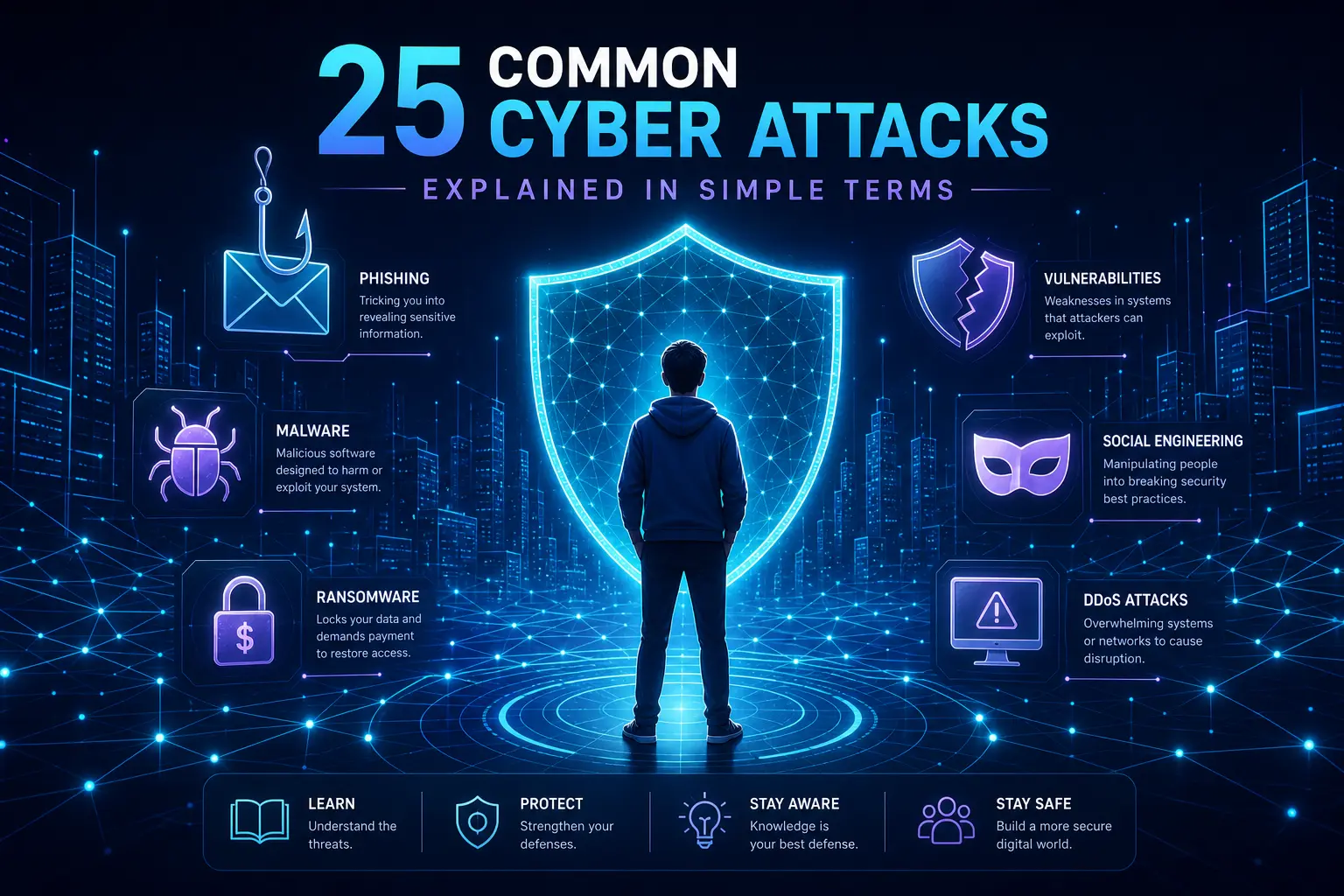
Cyber attacks are no longer just about breaking into a website or stealing a password. Today, attackers target everything: AI models, cloud networks, web apps, and even our daily habits online. If you want to protect yourself, your clients, or your business, you need a clear picture of how these attacks actually work.
In this guide, I will walk you through 25 important cyber attacks in simple language. You do not need to be an expert to follow along. My goal is to help you recognize the patterns so you can spot warning signs earlier and build a stronger security mindset.
Attacks that target AI systems
Modern AI systems are powerful, but they are also a new attack surface. Here are four AI-related attack types you should know.
1. Data poisoning
In a data poisoning attack, the attacker does not directly break the AI system. Instead, they secretly change the data that the model learns from during training. Because AI models depend completely on data quality, even small changes can slowly push the model toward wrong or biased behavior.
For example, a recommendation engine might start giving strange or harmful suggestions, or a chatbot could begin returning misleading answers while still looking like it is working normally. The scariest part is that this kind of attack is often hard to notice, and it can be used to reduce trust in AI or to influence decisions behind the scenes.
2. Inference attacks
Inference attacks are about learning from the AI instead of changing it. The attacker sends many different inputs to the model and carefully studies the outputs. Over time, they can guess what kind of data the model was trained on and sometimes even infer sensitive details.
In privacy-sensitive areas like healthcare or finance, this can become a serious issue because the system might leak more information through patterns in its answers than it was designed to share.
3. Evasion attacks
Evasion attacks happen while the AI system is running in production. The attacker slightly modifies the input so that it still looks normal to humans, but the model misclassifies it.
A classic example is a traffic sign that looks fine to a human driver but is read incorrectly by a self-driving car. This type of attack is especially dangerous in real-time or safety-critical environments such as autonomous vehicles, medical devices, or industrial systems.
4. Model extraction
Model extraction is like copying the "brain" of an AI system from the outside. The attacker does not see the underlying code or training data. Instead, they keep sending inputs, recording outputs, and training their own model to behave in a similar way.
This can be used to steal proprietary models, avoid training costs, or even build a clone that can be abused for other attacks.
Network-level cyber attacks
Most cyber attacks still involve the way data travels across networks. If you work with servers, APIs, or cloud infrastructure, these are critical to understand.
5. Distributed Denial of Service (DDoS)
A DDoS attack floods a server or service with a huge number of requests at the same time. Attackers use many compromised devices, often called a botnet, to generate massive traffic that overwhelms the target.
Legitimate users then cannot access the website or service because all the resources are busy handling fake requests. Think of thousands of people trying to squeeze through a single door at once: everything jams and stops.
6. On-path (man-in-the-middle) attacks
In an on-path attack, the attacker secretly places themselves between you and the website or server you are communicating with. Your traffic flows through them first, then to the real destination.
From your point of view, everything looks normal. You can browse, log in, and send data as usual, but someone in the middle can see or even change information in transit. This is why using encrypted connections like HTTPS and secure networks matters.
7. DNS attacks
DNS is like the phonebook of the internet, turning domain names into IP addresses. In a DNS attack, an attacker tampers with this process so that even when you type the correct domain, you may be sent to a fake website.
These fake pages are designed to look exactly like the real ones, so users feel safe entering passwords or payment data, which then goes straight to the attacker.
8. ARP spoofing
In a local network, devices use ARP to map IP addresses to MAC addresses. In ARP spoofing, the attacker pretends to be a trusted device such as the gateway or router.
Your device starts sending its traffic to the attacker, who then forwards it to the real destination so nothing appears broken. Behind the scenes, they can monitor or capture sensitive data without you knowing.
9. MAC flooding
Network switches are supposed to send traffic only to the correct device based on MAC addresses. In a MAC flooding attack, the attacker sends large numbers of fake MAC entries to overflow the switch's table.
Once overloaded, the switch may start broadcasting traffic to all ports instead of just the intended one. This can expose data to devices that should never see it.
10. VLAN hopping
Networks are often separated into VLANs to isolate traffic and add security. In VLAN hopping, the attacker finds ways to move from one VLAN to another without proper authorization.
This breaks the isolation you expect from segmentation and can give attackers access to restricted parts of the network and sensitive systems.
11. Eavesdropping
In an eavesdropping attack, the attacker simply listens to network traffic as it moves across the wire or air. This can include unencrypted passwords, messages, or other data.
Sometimes this is purely passive monitoring, and other times it can lead into more active attacks. Either way, it is a powerful way to collect information without touching the end systems directly.
Attacks that target people and authentication
Many successful attacks do not start with code. They start with people. Email, messaging apps, and basic human trust are common entry points.
12. Phishing
Phishing attacks use fake emails or messages that look like they come from trusted companies, banks, or services. They often include a link to a fake login page that looks almost identical to the real one.
When the victim enters their credentials, those details are captured by the attacker. This approach works well because it relies on social trust, not just technical weaknesses.
13. Spear phishing
Spear phishing is a more focused version of phishing. Instead of sending the same message to many people, attackers research a specific person and craft a highly personalized email or message.
Because the message looks relevant and authentic, the target is more likely to believe it and act on it, making this type of attack more effective and harder to spot.
14. Social engineering
Social engineering is all about manipulating people rather than breaking software. Attackers may call, text, or speak to someone and convince them to share sensitive information or perform actions like changing security settings.
This works because it exploits human psychology such as trust, fear, and urgency instead of technical bugs. Even the best security tools cannot fully protect against poor decisions driven by social pressure.
15. Password attacks
In a password attack, the attacker uses automated tools to try common, weak, or previously leaked passwords against accounts. If users reuse passwords or choose simple ones, these attacks can succeed quickly.
Once an account is compromised, the attacker may gain access to email, banking, cloud services, or company systems. Using strong, unique passwords and a password manager is one of the simplest and most effective defenses.
16. Brute force attacks
A brute force attack is more systematic: the attacker tries many possible password combinations until one works. With modern hardware, short or simple passwords can be cracked surprisingly fast.
Strong password policies, rate limiting, account lockouts, and multi-factor authentication (MFA) are key defenses against this.
17. SQL injection
SQL injection targets web applications that do not handle user input safely. The attacker sends specially crafted input in forms or URL parameters so that the backend database treats it as a command.
This can allow reading, changing, or deleting data, and in severe cases can lead to full system compromise. Input validation, prepared statements, and ORM best practices are essential here.
18. Evil twin Wi-Fi
In an evil twin attack, the attacker sets up a fake Wi-Fi network that looks the same as a real one, for example in a cafe or airport. Users connect to it thinking it is the official network.
Once connected, all their traffic goes through the attacker, who can capture login details, cookies, and other sensitive data, often without the user noticing anything strange.
Malware: viruses, worms, trojans, and more
Malware is any software created with malicious intent. Different types behave in different ways.
19. Viruses
A virus attaches itself to legitimate files or programs. When users open or run the infected file, the virus executes and can damage data, corrupt systems, or spread further.
Because it hides inside normal-looking files, a virus can be difficult to detect at first.
20. Worms
Worms are similar to viruses but with one important difference: they spread automatically without needing user action. Once inside a network, a worm can move rapidly from one machine to another.
This makes worms especially dangerous in large organizations and connected environments where they can cause widespread disruption.
21. Trojans
A Trojan, or Trojan horse, is a program that appears to be safe or useful but contains hidden malicious code. Users install it willingly, believing it is legitimate software.
Once installed, the Trojan can open backdoors, steal information, or give the attacker remote control of the system. This attack relies heavily on social engineering and user trust.
22. Ransomware
Ransomware encrypts or locks valuable files and then demands payment to restore access. Victims often find that they cannot use their devices or business systems at all until, or even after, they pay the ransom.
It is one of the most financially damaging types of attacks, affecting individuals, small businesses, and large organizations worldwide.
23. Spyware
Spyware runs quietly in the background and monitors user activity. It can collect browsing history, keystrokes, passwords, and personal data, and send this information to the attacker.
Because spyware is designed to stay hidden, it can remain on a system for a long time before anyone notices unusual behavior.
24. Rootkits
Rootkits are tools that bury themselves deep into the operating system to provide attackers with persistent, hidden control. They are built to stay invisible, often hiding their own processes and files from standard tools.
This makes them extremely hard to detect and remove, allowing attackers to operate on the system for long periods without being noticed.
25. Logic bombs
A logic bomb is malicious code that stays dormant until a specific trigger condition is met, such as a particular date, time, or user action. Until then, it looks harmless and is easy to overlook.
When the condition is satisfied, the code suddenly runs and can delete data, crash systems, or cause other damage.
Insider threats
Not every threat comes from outside the organization. Insider attacks involve people who already have some level of trusted access, including employees, contractors, or partners.
Insiders may intentionally abuse their access or accidentally cause harm through mistakes. Because they are already inside the perimeter, their actions are often harder to spot, and the impact on systems and data can be serious.
Why understanding attacks is a powerful defense
When you look at all of these attacks together, a pattern appears: some target AI, some target networks, some target systems, and some focus on people. But once you understand how they work, you can start recognizing early signs instead of reacting after the damage is done.
Most cyber attacks become truly dangerous only when they go unnoticed for a long time. By improving your awareness, staying curious, and building good security habits, you already add a strong layer of defense to any system you work on.
Frequently asked questions
What is a cyber attack in simple words?
A cyber attack is any attempt to break into, damage, or misuse a computer system, network, or account. Attackers do this to steal data, make money, or disrupt services.
Why do I need to learn about different cyber attacks?
Understanding cyber attacks helps you recognize warning signs early. When you know how attacks work, you can create better passwords, avoid scams, and protect your systems more effectively.
What are the most common types of cyber attacks today?
Some of the most common attacks include phishing, password attacks, malware like viruses and ransomware, network attacks such as DDoS and DNS spoofing, and social engineering. Newer types also target AI systems and cloud services.
How can I protect myself from cyber attacks?
You can reduce risk by using strong and unique passwords, enabling multi-factor authentication, keeping software updated, avoiding suspicious links, and using secure networks whenever possible.
Are small businesses also targeted by cyber attacks?
Yes, small businesses are often targeted because they usually have weaker security than large organizations. Attackers know this and use common attacks like phishing, ransomware, and weak-password attacks to get in.
If you found this guide helpful, visit PashtunEinstein for more articles on cybersecurity, privacy, technology, and practical knowledge you can actually use.